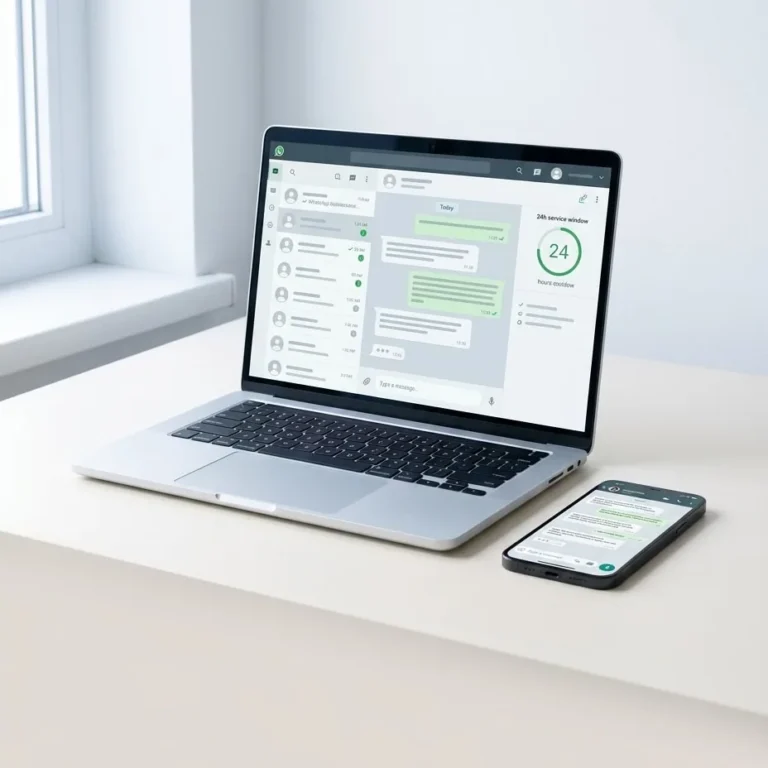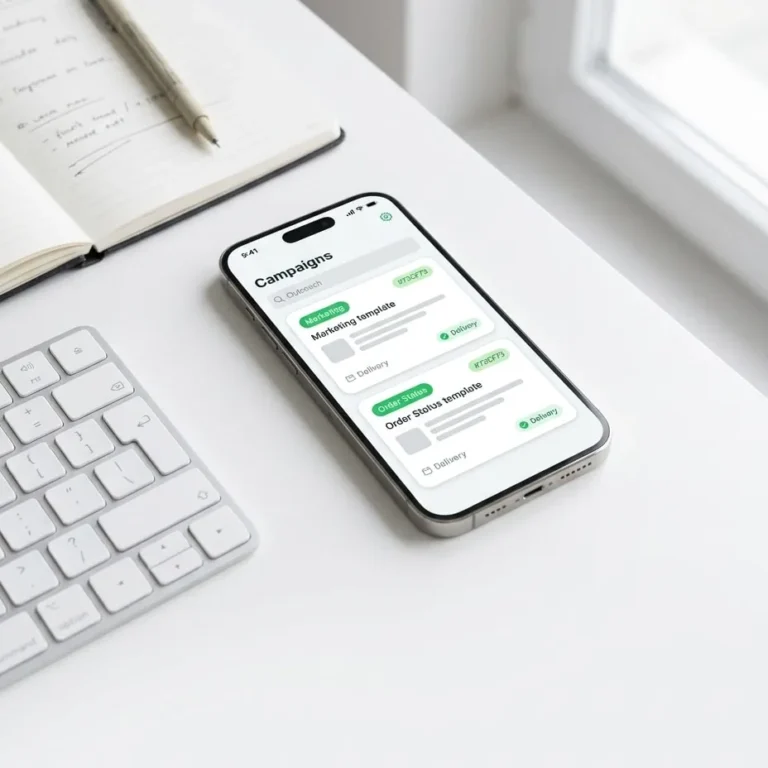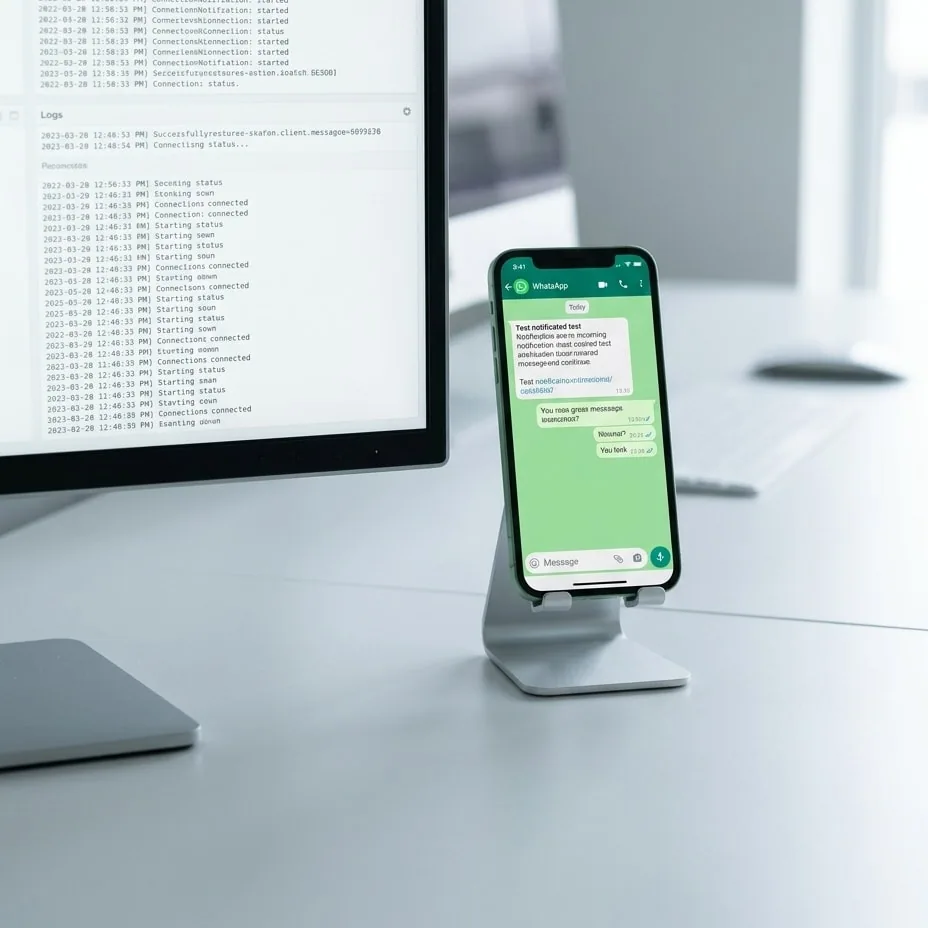
WhatsApp automation testing requires systematically validating four technical layers: the upstream trigger payload, template parameter alignment on Meta servers, E.164 phone number sanitization, and inbound webhook processing. Running automated flows through a dedicated staging protocol prevents sender phone number bans, eliminates unexpected messaging charges, and shields brand reputation from broken customer communications.
WhatsApp automation testing is a quality assurance protocol in which software engineers and system administrators run automated messaging workflows in an isolated sandbox to uncover logic failures, missing payload variables, and API errors prior to production deployment.
—
Core Stages of Pre-Send Automation Testing
Testing an automated message flow begins by isolating staging payloads from live production environments. Firing untested triggers against live databases risks cascading side effects across connected CRMs or commerce platforms, such as triggering false fulfillment alerts or corrupted customer status fields.
Production-ready verification requires configuring official test phone numbers within your WhatsApp Business Platform account. These sandbox assets allow development teams to validate execution loops, simulate trigger endpoints, and inspect raw server payloads without incurring per-conversation Meta Cloud API fees or notifying actual customers.
An end-to-end testing cycle follows five technical phases:
- Trigger Payload Verification: Confirm that upstream application events—such as completed checkouts via a WhatsApp WooCommerce integration—dispatch complete, uncorrupted JSON payloads.
- Data Sanitization and Transformation: Verify that intermediate middleware scrubs whitespace, normalizes non-ASCII characters, and transforms dates and currency values into human-readable strings before making outbound requests.
- Template Parameter Mapping: Ensure positional arguments match the exact index ordering and data types registered within the approved Meta template.
- Controlled API Execution: Dispatch signed HTTP POST requests to the WhatsApp Cloud API messages endpoint and inspect server response codes and error bodies.
- Webhook Ingestion and Lifecycle Parsing: Monitor incoming callbacks from Meta to trace the message progression through
sent,delivered, andreadlifecycle events.
—
WhatsApp Message Template Testing and Variable Validation
Pre-approved message templates represent Meta's strict requirement for initiating outbound enterprise conversations outside the standard 24-hour customer service window. Under the Meta Cloud API Message Templates specification, every programmatic notification must strictly adhere to its registered schema in parameter count, character lengths, and component structure.
A mismatch between parameters sent by your application and the approved component specification triggers an immediate rejection, most commonly the 132000 (Number of parameters does not match template) error code. For architectural best practices on building resilient structures, read our technical breakdown on Meta Cloud API template management.
Variable Payload Sanitization and Fallback Handlers
A critical failure point in production pipelines occurs when an upstream database field contains empty or malformed data—such as a customer completing an order without entering an optional first name. Passing null, undefined, or empty strings to required template parameters causes Meta's validation engine to reject the entire call.
Comprehensive parameter validation must cover three edge scenarios:
- Null or Empty Values: Ensure your application enforces deterministic fallback values (such as substituting a missing first name with "Valued Customer").
- Control Characters and Whitespace: Check that dynamic string inputs do not inject forbidden control sequences, excessive consecutive line breaks, or tab characters that violate formatting limits.
- Maximum Parameter Length: Confirm that dynamically injected values, such as custom tracking URLs or shipping notes, do not push the template body past Meta's 1,024-character ceiling.
| Variable Type | Valid Payload Example | Invalid Failure Example | API Error Output |
|---|---|---|---|
String Parameter ({{1}}) | John | null or "" | Error 132000 / 132001 |
Order Number ({{2}}) | 10542 | INV#10542!! (if integer type) | Parameter Type Mismatch |
Dynamic Link ({{1}}) | track/12345 | https://example.com/track/12345 | Invalid Parameter URL Structure |
Currency Amount ({{3}}) | $149.00 | Unassigned empty object | Missing Required Template Component |
—
E.164 Phone Number Formatting and Edge Cases
Every recipient address submitted to the WhatsApp Business Platform must comply with the international E.164 standard. This format enforces a continuous sequence of digits containing the country code followed by the national subscriber number, omitting leading zeros, spaces, hyphens, and brackets.
Because users frequently enter phone numbers inconsistently on checkout forms, pre-send automation testing requires a strict regex and transformation pipeline prior to API dispatch:
- Non-Digit Stripping: Strip all non-numeric characters, including parentheses, dashes, periods, and whitespace.
- Leading Zero Removal: Automatically drop national trunk prefixes (such as changing a leading
05to the national dialing sequence) when appending country codes. - Prefix Normalization: Meta expects pure numeric strings in the payload
toproperty; strip any prepended+symbol prior to transmitting the JSON body. - String Length Boundaries: Reject numbers that fail length constraints before making HTTP calls, preventing unnecessary API roundtrips for numbers that are structurally invalid.
—
Rate Limiting, Status Codes, and Infrastructure Resilience
Beyond verifying message formatting, robust automation testing must inspect system behavior under network congestion and infrastructure bottlenecks. Direct enterprise integrations built on the WhatsApp Cloud API enforce tiered throughput quotas at both the business account and sender number levels.
These constraints determine per-second message concurrency and daily rolling limits for outbound business-initiated conversations. When traffic surges exceed provisioned capacity, Meta's load balancers return an HTTP 429 Too Many Requests status code.
A resilient backend must implement an exponential backoff retry mechanism paired with distributed queueing architectures like Redis or RabbitMQ. During pre-send load testing, engineering teams should deliberately simulate 429 rate-limit responses and 500 server errors to confirm that outbound jobs are placed back into the queue with increasing retry intervals rather than dropped or duplicated.
Furthermore, developers must validate webhook infrastructure resilience. According to the Meta WhatsApp Webhooks architectural guide, callback endpoints must immediately return an HTTP 200 OK upon receiving a notification payload. Long-running business logic, database mutations, or downstream triggers should always execute asynchronously in background workers to avoid connection timeouts from Meta's dispatch servers.
—
Practical End-to-End Testing Checklist
Before deploying changes to live customer traffic, validate your entire automation pipeline against this operational checklist:
- Token Scope and Expiration: Confirm that your Permanent System User Token holds valid
whatsapp_business_messagingpermissions and is immune to administrative session invalidation. - Sender Health and Tier Verification: Verify that the test sender number shows a Verified status within Meta Business Manager and maintains a High (Green) quality rating.
- Trigger Pipeline Latency: Execute end-to-end sandbox checkouts or status changes and verify that the trigger fires the dispatch worker in under 3 seconds.
- E.164 Sanitization Logic: Run diverse sample phone numbers through the sanitizer to confirm correct normalization across international prefixes without leading zeros or symbols.
- Template Matrix Testing: Test boundary values across all parameter slots, ensuring graceful fallback substitution for empty variables.
- Client-Side Rendering: Inspect the message payload visually on an active mobile device to ensure interactive buttons, Quick Replies, Call-to-Action URLs, and media attachments render cleanly.
- Two-Way Webhook Handling: Reply directly from the mobile client to verify that incoming webhook payloads correctly route inbound customer replies to your support engine or CRM.
Following a systematic staging protocol eliminates delivery failures, protects sender quality scores, and scales conversational volume predictably.
If your organization is building enterprise workflows or needs an architectural audit of its WhatsApp Cloud API infrastructure, our engineering team can help design and maintain your delivery pipeline.
—
Common questions
How can I test WhatsApp templates without incurring messaging fees?
Meta provides free sandbox testing through dedicated Test Numbers inside the WhatsApp Cloud API developer portal. Developers can send test template messages without charge to up to five pre-verified recipient phone numbers configured within the developer dashboard, enabling end-to-end verification of components, variable rendering, and payload delivery.
What happens if an automation passes an empty parameter to a template?
Passing an empty string, undefined variable, or null value into a required template parameter causes Meta servers to immediately reject the API call with error 132000. To prevent automation failures, your middleware must implement default fallback values that inject generic replacement text whenever database attributes are missing.
How should phone numbers be formatted for WhatsApp API delivery?
Phone numbers must strictly follow the E.164 standard, formatted as a continuous numeric string containing the country code and subscriber number without a leading plus sign, spaces, hyphens, or national trunk zeros. Any non-numeric characters should be stripped programmatically before dispatching the payload to the API.
Why does an automated message stay in sent status instead of delivered?
A sent status confirms Meta's servers accepted and dispatched the payload, whereas delivered confirms receipt on the target device. Messages remain in sent if the recipient phone is turned off, disconnected from data networks, not registered on WhatsApp, or blocked due to account-level privacy and spam settings.
Try it on your own number.
WhatsApp, Messenger, Instagram and the AI chatbot — 7-day free trial, no credit card.