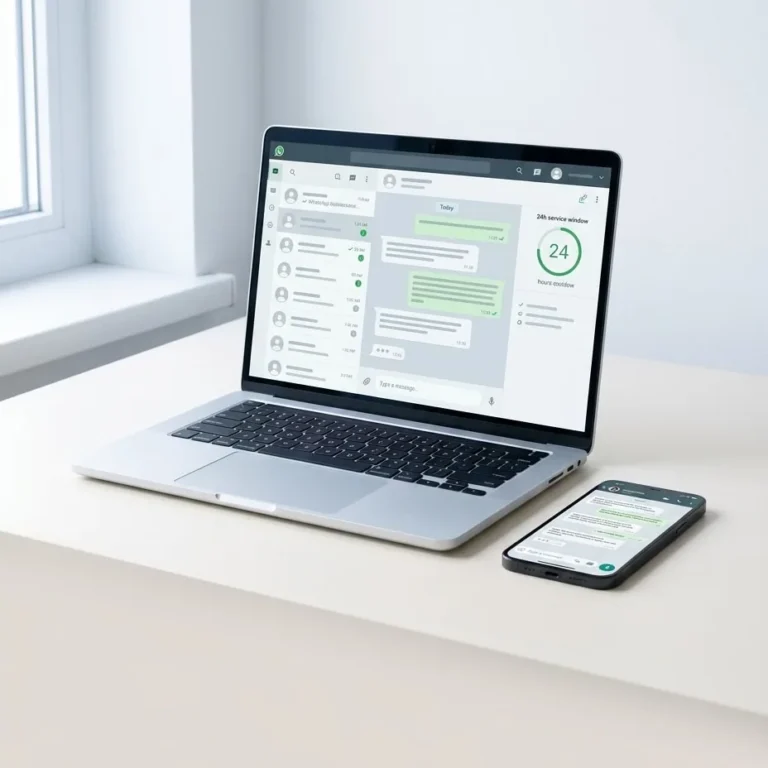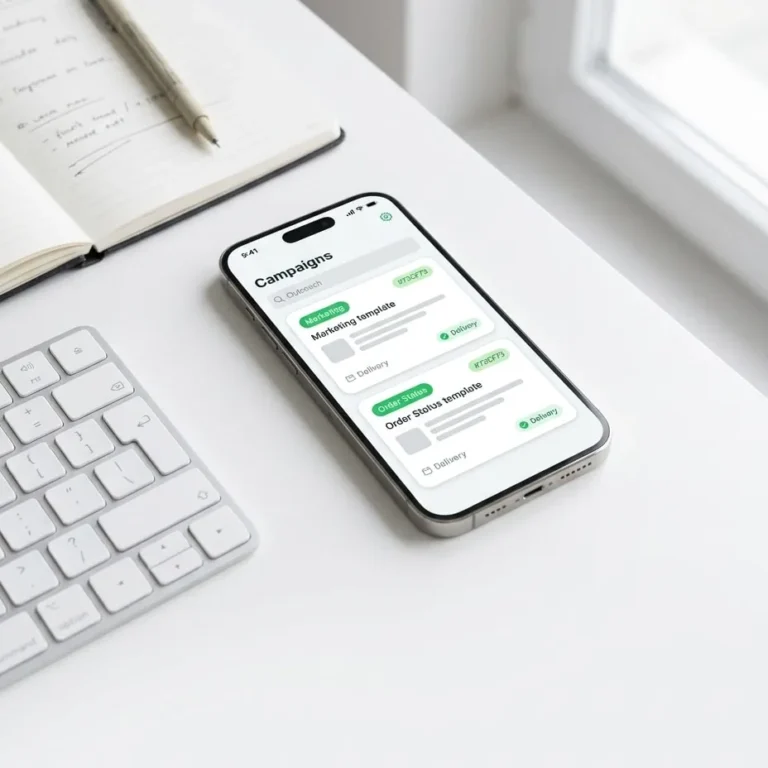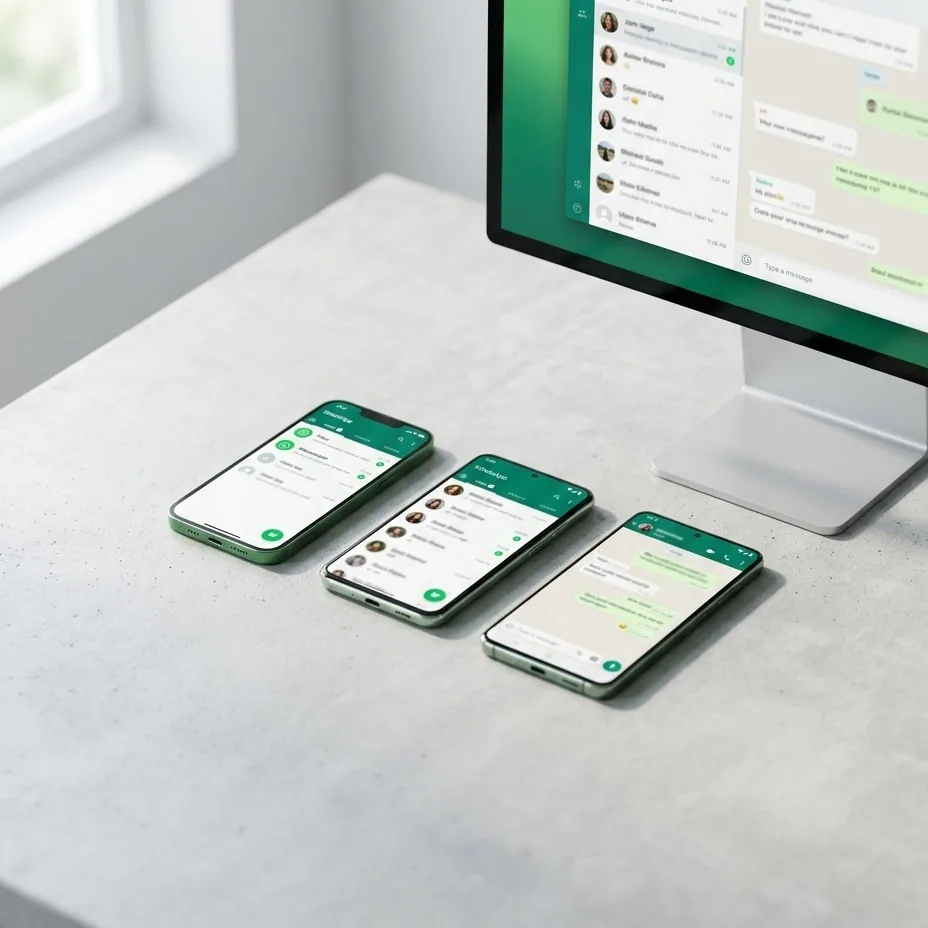
Operating one WhatsApp number for multiple users requires transitioning from the standalone WhatsApp Business mobile application to the Meta Cloud API. A centralized cloud messaging infrastructure allows support and sales teams to route incoming conversations to multiple agents simultaneously, maintain an immutable audit trail, and eliminate duplicate customer replies. This guide details the engineering bottlenecks of physical devices, the architecture of shared cloud inboxes, and the integration patterns required for enterprise e-commerce platforms.
Meta Cloud API is a cloud-hosted programmatic interface that enables businesses to send and receive messages directly through Meta's global infrastructure without maintaining on-premise hardware or active mobile phones. Unlike consumer and business client applications, the API decouples the telephone number from a single graphical interface, allowing an unlimited number of agents, automated workflows, and CRM systems to operate on the same phone number concurrently.
Why Physical Phones and Linked Devices Fail at Scale
Growing businesses and online retailers typically begin customer communication using a single smartphone running the WhatsApp Business app. As inbound ticket volume grows, organizations attempt to scale support using two flawed approaches: purchasing separate mobile numbers for individual employees, or relying on WhatsApp Web's Linked Devices feature. Both methods create operational barriers:
- Data Fragmentation and Zero Operational Visibility: When agents converse with buyers through decentralized phone numbers, conversation histories remain stored locally on those devices. If an employee resigns, misplaces their phone, or takes leave, proprietary customer data, transaction records, and context vanish instantly from the business.
- Collision and Conflicting Responses: In a shared web environment, two or more agents can open the same chat and type replies simultaneously. Because the app provides no session reservation or ticket assignment mechanism, customers often receive duplicate, conflicting answers in real time.
- Volatile Sessions and Hardware Limitations: WhatsApp Web linked devices are restricted to a maximum of four concurrent non-phone instances. OS background management, battery depletion, routine app updates on the primary handset, or network timeouts routinely invalidate sessions, forcing support teams to manually re-authenticate via QR code.
- Inability to Support Mission-Critical Automations: Physical handsets cannot reliably process real-time status webhooks from store backends. Bridging them requires unofficial scrapers or reverse-engineered libraries, which routinely trigger permanent account bans from Meta's security systems.
Overcoming these structural failures requires implementing formal WhatsApp team conversation management rules backed by a centralized relational data store.
Architecture of a Shared Inbox on Meta Cloud API
Migrating to an API-first messaging architecture shifts the network edge from an office smartphone to an enterprise application server. When a client dispatches a message to the business telephone line, Meta does not search for an active cellular client. Instead, Meta processes the payload and delivers an HTTPS Webhook in JSON format directly to your designated endpoint or SaaS inbox platform.
{
  "object": "whatsapp_business_account",
  "entry": [{
    "id": "WHATSAPP_BUSINESS_ACCOUNT_ID",
    "changes": [{
      "value": {
        "messaging_product": "whatsapp",
        "metadata": {
          "display_phone_number": "15551234567",
          "phone_number_id": "PHONE_NUMBER_ID"
        },
        "messages": [{
          "from": "15559876543",
          "id": "wamid.HBgL...",
          "timestamp": "1710000000",
          "text": {"body": "Hello, what is the status of my order?"},
          "type": "text"
        }]
      },
      "field": "messages"
    }]
  }]
}
Once received by the message broker, the event passes through deterministic routing logic within the shared inbox:
- Routing Engine and Ownership Assignment: The system parses the sender E.164 phone number, verifies whether an open conversation exists in the database, and immediately routes the thread to the assigned agent or an unassigned queue for customer support or sales.
- Optimistic Locking and Collision Prevention: As soon as an agent opens an inbound thread, the system establishes a temporary write lock. Other team members can view the conversation in real time and leave internal staff notes, but their input interface remains disabled to prevent duplicate outbound messages.
- Stateless Infrastructure Reliability: Production lines integrate via a managed connection to WhatsApp Cloud API, eliminating dependencies on battery charge, cellular reception, or office Wi-Fi stability.
For an exhaustive specification of endpoints, parameters, and error codes, refer to the official Meta Cloud API documentation.
WhatsApp Business App vs. Meta Cloud API Infrastructure
The architectural distinctions between local mobile clients and cloud-native API endpoints determine operational capacity across team workflows:
| Technical Feature | WhatsApp Business App | Meta Cloud API Platform | Operational Impact |
|---|---|---|---|
| Concurrent Users | Max 5 (1 phone + 4 linked) | Unlimited concurrent seats | Service and sales teams of any size collaborate on a single line |
| Queue and Ownership Routing | None | Automated round-robin or agent-based | Eliminates double replies and abandoned customer inquiries |
| Audit Trail and Logs | Stored locally on handset | Centralized database logging | Enterprise visibility, compliance, and end-to-end data retention |
| Automations and Bots | Basic greeting and away texts | Native Webhooks and REST API endpoints | Two-way synchronization with ERPs, CRMs, and store frontends |
| Account Ban Risk | High at commercial broadcast volumes | Negligible under policy-compliant operations | Eliminates sudden disconnects from unauthorized protocol scraping |
24-Hour Customer Service Windows and Template Message Rules
Deploying one WhatsApp number for multiple users via Meta Cloud API requires strict compliance with Meta's messaging policies and conversation charges. The core constraint governing inbound support is the 24-hour customer service window.
Whenever a user sends an inbound message to the business, a rolling 24-hour session timer activates from the message's timestamp. Within this open window, human agents or automated bots can exchange free-form text, media files, documents, and interactive buttons without submitting message copy for prior review.
Once the 24-hour period lapses without a subsequent customer message, the session closes. Outbound communication can no longer use free-form text; the system permits only pre-approved Template Messages.
Core Rules for Template Lifecycle Management:
- Message Categorization: Templates fall into three explicit categories: Utility (shipping alerts, order confirmations, account verification), Authentication (single-use OTP codes), and Marketing (abandoned cart prompts, promotions, product announcements). Conversation charges vary based on category and recipient country code.
- Variable Mapping and Strict Schema: Templates use dynamic positional placeholders such as
{{1}}for customer names and{{2}}for order tracking identifiers. The syntactic structure cannot be altered after approval inside the Meta Business Manager. - Throughput Tiers and Quality Score: New phone registrations begin at Tier 1 (1,000 unique business-initiated recipients per rolling 24 hours). As the account maintains a High Quality Rating and reaches volume caps, Meta automatically upgrades the limit to 10,000, 100,000, and ultimately unlimited daily recipients.
Review the official WhatsApp Business pricing guide for exact regional per-message rates and currency adjustments.
E-Commerce Integration: Synchronizing WooCommerce and Shopify
Centralizing messaging on an enterprise cloud endpoint allows organizations to connect chat streams directly with digital commerce stores. Instead of copying and pasting order numbers between browser tabs, the inbox fetches buyer context using the customer's normalized phone number upon webhook ingestion.
For WordPress stores, a dedicated WooCommerce WhatsApp integration alerts staff to recent transactions, automates transactional delivery notifications when order statuses change, and opens a new thread whenever a customer responds to an automated notification. In the agent inbox, representatives immediately inspect lifetime order counts, lifetime value, and active line items alongside the live chat panel.
With contextual customer data immediately visible, all agents deliver consistent, rapid resolutions, regardless of who handled the customer's prior interaction.
Upgrading Your Corporate Messaging Architecture
Implementing one WhatsApp number for multiple users eliminates the operational hazards of physical devices, resolves internal communication collisions, and protects customer data within a controlled backend. If your organization handles high inquiry volumes, struggles with decentralized personal handsets, or requires an enterprise-grade API bridge, our engineering team can audit your setup and design a scalable messaging architecture tailored to your business needs.
Common questions
Do we need a new phone number to use Meta Cloud API?
No, you can migrate an existing mobile, landline, or virtual number to the Meta Cloud API. However, the number must first be deleted from the consumer or WhatsApp Business mobile app. Once unlinked and verified via SMS or voice call, it connects permanently to the cloud platform and can no longer be used on a physical handset.
How many support agents can reply through one WhatsApp number?
When connected through the Meta Cloud API, there is no technical limit to the number of agents who can respond concurrently. Agent capacity depends entirely on the shared inbox software connected to the API endpoint, enabling teams ranging from ten to hundreds of representatives to manage inbound chats simultaneously.
How does the system handle customer messages sent outside business hours?
Through automated webhooks, the system detects inbound messages outside operating hours and dispatches an immediate automated response. This can include business hours, answers to frequently asked questions, or a ticket creation confirmation. The conversation is placed in the unassigned queue to be resolved once the support team returns.
Can we keep using the WhatsApp Business mobile app alongside the API?
No, a phone number registered on the Meta Cloud API cannot operate concurrently inside the standard WhatsApp smartphone application. All inbound and outbound messaging must flow through the central inbox software, desktop client, or custom CRM platform connected to Meta's API endpoints.
Try it on your own number.
WhatsApp, Messenger, Instagram and the AI chatbot — 7-day free trial, no credit card.