Increasing your WhatsApp API messaging limits from 1,000 to 10,000 daily conversations occurs entirely automatically once a phone number utilizes at least 50% of its current tier quota within a rolling 7-day window while sustaining a Quality Rating of Medium or High. No manual submission or support ticket to Meta is required: the platform monitors delivery volume, tracks negative user feedback, and lifts the daily cap to 10,000 business-initiated conversations within hours of crossing the eligibility threshold. This technical guide outlines the underlying algorithmic rules, rolling window calculations, and proactive measures needed to avoid quality degradation and delivery throttling.
A messaging limit represents the maximum number of unique recipients a single business phone number can initiate conversations with via pre-approved message templates within any rolling 24-hour period. This 24-hour window does not reset at midnight local time; instead, it is computed individually per recipient starting the exact second the initial business-initiated outbound message is sent.
WhatsApp Cloud API Volume Tiers and Scaling Mechanisms
Every enterprise number onboarded to the WhatsApp Cloud API infrastructure is assigned an initial throughput tier based on business verification and historical sending health. The scaling framework is categorized into distinct tiers:
- Tier 0 (Unverified Trial): 250 unique recipients per rolling 24 hours. This tier applies to numbers without completed Meta Business Verification or unverified business accounts.
- Tier 1: 1,000 unique recipients per rolling 24 hours.
- Tier 2: 10,000 unique recipients per rolling 24 hours.
- Tier 3: 100,000 unique recipients per rolling 24 hours.
- Tier 4: Unlimited unique recipients per rolling 24 hours.
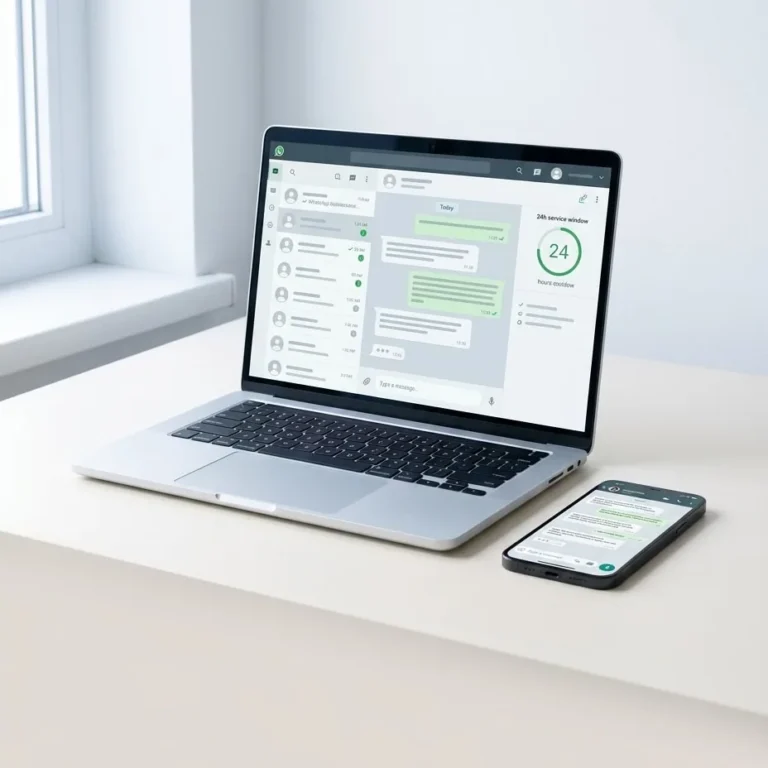
The tier threshold strictly governs business-initiated conversations, such as marketing campaigns, transactional order notifications, and authentication one-time passcodes (OTPs). User-initiated service conversations—where the customer messages first—do not consume this quota, provided business responses remain inside the standard 24-hour customer service window.
| Tier | Daily Unique Recipient Cap | Upgrade Requirement to Next Tier |
|---|---|---|
| Tier 1 | 1,000 | Send to at least 500 unique recipients across 7 rolling days + Medium/High Quality Rating |
| Tier 2 | 10,000 | Send to at least 5,000 unique recipients across 7 rolling days + Medium/High Quality Rating |
| Tier 3 | 100,000 | Send to at least 50,000 unique recipients across 7 rolling days + Medium/High Quality Rating |
Technical Prerequisites for Upgrading from 1,000 to 10,000 Daily Conversations
Meta does not review manual upgrade requests for standard tier progressions. Instead, background daemon tasks evaluate three core technical parameters:
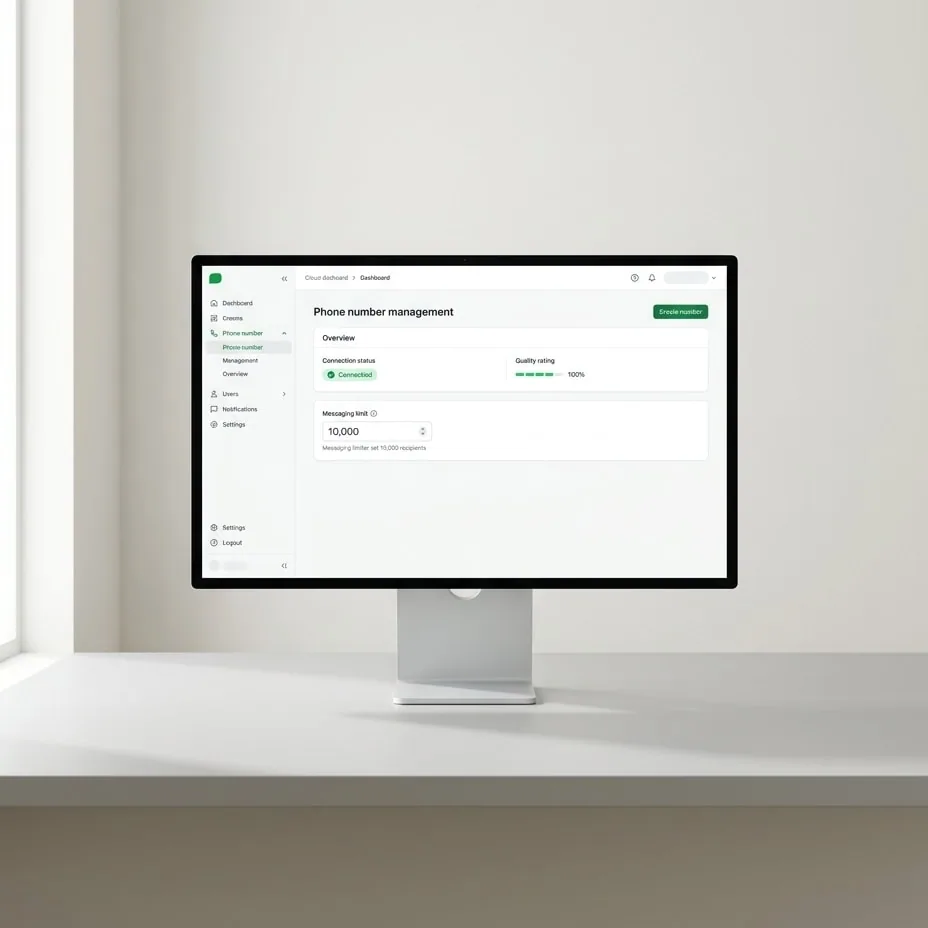
- Active Number Status: The registered phone number must maintain a Connected state, free from Meta administrative bans, payment blocks, or policy restrictions within the WhatsApp Business Account (WABA).
- Clean Quality Metrics: The phone number's health score in WhatsApp Manager must display as High (green) or Medium (yellow). A downgrade to Low (red) immediately disables algorithmic scaling.
- Volume Accumulation Across 7 Days: The system requires cumulative outbound volume to equal or exceed 50% of the current tier ceiling within a rolling 7-day period. For a Tier 1 limit, the business must initiate conversations with at least 500 unique recipients within 7 consecutive days.
According to the official WhatsApp messaging limits documentation, as soon as a Tier 1 phone number logs its 500th unique recipient and maintains a satisfactory quality score, Meta automatically raises the ceiling to Tier 2 (10,000) within several hours. The elevated limit reflects immediately across the WhatsApp Manager dashboard and in the response payload returned by the Graph API business profile endpoint.
Template Optimization to Protect Account Sending Ceilings
The most frequent operational error preventing tier elevation to 10,000 conversations is template rejections and end-user blocks. Marketing messages broadcast without intuitive unsubscribe options force recipients to click native "Report and Block" controls inside the WhatsApp interface. These user actions trigger adverse signals that rapidly erode the phone number's health score.
To safeguard account delivery metrics, engineering teams should follow standard best practices for Meta Cloud API template management. Production templates should embed an explicit Quick Reply opt-out button (e.g., "STOP"), balance static and variable text tokens, and enforce strict payload formatting to avoid automated spam classifiers.
Algorithmic Evaluation of the Meta Quality Rating
A Quality Rating is an algorithmic evaluation derived from real-time recipient interactions with outbound template messages over the prior rolling seven days. As detailed in the official Quality Rating documentation, the rating reflects the mathematical ratio between delivered messages and negative recipient actions:
- Number blocks initiated shortly after message delivery.
- Native spam reports submitted to Meta.
- Specific reporting tags provided by users (such as harassment, unsolicited messaging, or scam warnings).
Meta categorizes this health metric into three definitive operational states: High (green, optimal reputation), Medium (yellow, acceptable reputation allowing upward tier scaling), and Low (red, degraded reputation triggering rate throttling and blocking tier upgrades).
{
  "data": [
    {
      "id": "105938472910",
      "verified_name": "My Store Support",
      "code_verification_status": "VERIFIED",
      "display_phone_number": "+1 555-019-2834",
      "quality_rating": "GREEN",
      "messaging_limit_tier": "TIER_10K"
    }
  ]
}
Production Pacing Strategies for High-Volume E-Commerce Platforms
E-commerce storefronts managing transactional and event-driven notifications through dedicated integrations such as WhatsApp for WooCommerce or headless pipelines like WhatsApp for Shopify can easily reach the 500-recipient milestone using high-intent transactional templates:
- Real-Time Order Updates: Automated order confirmations, warehouse dispatch receipts, and carrier tracking links.
- Abandoned Cart Follow-Ups: A single targeted recovery reminder dispatched within 1 to 3 hours of session abandonment.
- Account & Delivery Alerts: OTP authentication payloads, security alerts, and delivery rescheduling confirmations.
Transactional messages achieve open rates exceeding 90% and virtually eliminate spam reports. Businesses aiming to transition safely from Tier 1 to Tier 2 should route baseline operational volume through their primary number to clear the 500-recipient hurdle before initiating wider promotional campaigns.
Operational Recovery When a Number Enters Flagged Status
When negative user feedback forces the quality rating into the Low (red) category, Meta automatically transitions the phone number into a Flagged state. This state initiates a 7-day probationary window:
- Immediate Scaling Restrictions: Upward tier upgrades are frozen immediately. If sending volume approaches limits, delivery queues risk strict rate limiting.
- Probationary Outcomes: If quality metrics recover to Medium within the 7-day period, the number returns to the normal Connected state with its tier intact. If the rating remains Low after 7 days, Meta downgrades the number by one tier (e.g., dropping a 10,000-limit number back to 1,000).
Upon entering Flagged status, teams must pause outbound marketing broadcasts, prioritize essential transactional notifications, and review template opt-out mechanisms to restore sender health.
Scaling API throughput successfully requires disciplined data tracking, real-time webhook monitoring, and strict alignment with Meta delivery guidelines. If your enterprise infrastructure requires a comprehensive architecture review to scale outbound volume reliably without risking compliance penalties, get in touch with our engineering team.
Common questions
How long does it take for Meta to raise the limit from 1k to 10k?
The limit upgrade occurs within several hours after the number messages 500 unique recipients within a rolling 7-day window. Once Meta's background monitoring system confirms that the volume threshold has been crossed and the phone number maintains a High or Medium Quality Rating, the tier is automatically adjusted in the API.
Do inbound customer support messages count against the daily sending limit?
Inbound customer messages and outbound customer service replies do not count toward your daily messaging limit. The tier quota strictly limits business-initiated conversations launched using approved templates. As long as responses to customer queries occur within the 24-hour service window, they do not consume your 1,000 or 10,000 recipient allowance.
Is Meta Business Verification mandatory to reach Tier 2 limits?
Business verification is required to scale past the initial unverified trial tier of 250 daily conversations. An unverified WhatsApp Business Account cannot enter Tier 1 (1,000 daily conversations) or subsequently scale to Tier 2 (10,000 daily conversations). Completing official verification within Meta Business Manager is an essential prerequisite for volume tier progression.
Try it on your own number.
WhatsApp, Messenger, Instagram and the AI chatbot — 7-day free trial, no credit card.