WhatsApp abandoned cart recovery brings shoppers back to your checkout flow by sending an automated notification featuring the abandoned products, item images, and a direct checkout link. Operating via the official Meta Cloud API, this automation fires at optimal intervals, maintains high delivery rates, and provides an immediate two-way support channel if a shopper experiences checkout friction. This guide details the necessary architecture, message template configurations, 24-hour service window mechanics, and rate-limit handling.
Understanding Abandoned Carts and the Impact of WhatsApp
An abandoned cart occurs when an online shopper adds items to their shopping bag and enters contact details such as a phone number or shipping address, but exits the store before completing payment. While traditional recovery emails often suffer from low open rates and spam filters, direct messaging channels offer immediate visibility on mobile devices. However, using WhatsApp for e-commerce requires technical care: aggressive messaging or low-quality content can trigger user blocks and damage your account standing.
Effective recovery is not about blasting generic discount codes; it functions as proactive customer service. Shoppers frequently abandon checkouts due to questions about delivery timeframes, sizing uncertainties, or payment gateway failures. Opening a two-way conversation allows your support team to resolve these specific barriers and finalize the sale in real time.
System Architecture: From Cart Abandonment to Webhook Dispatch
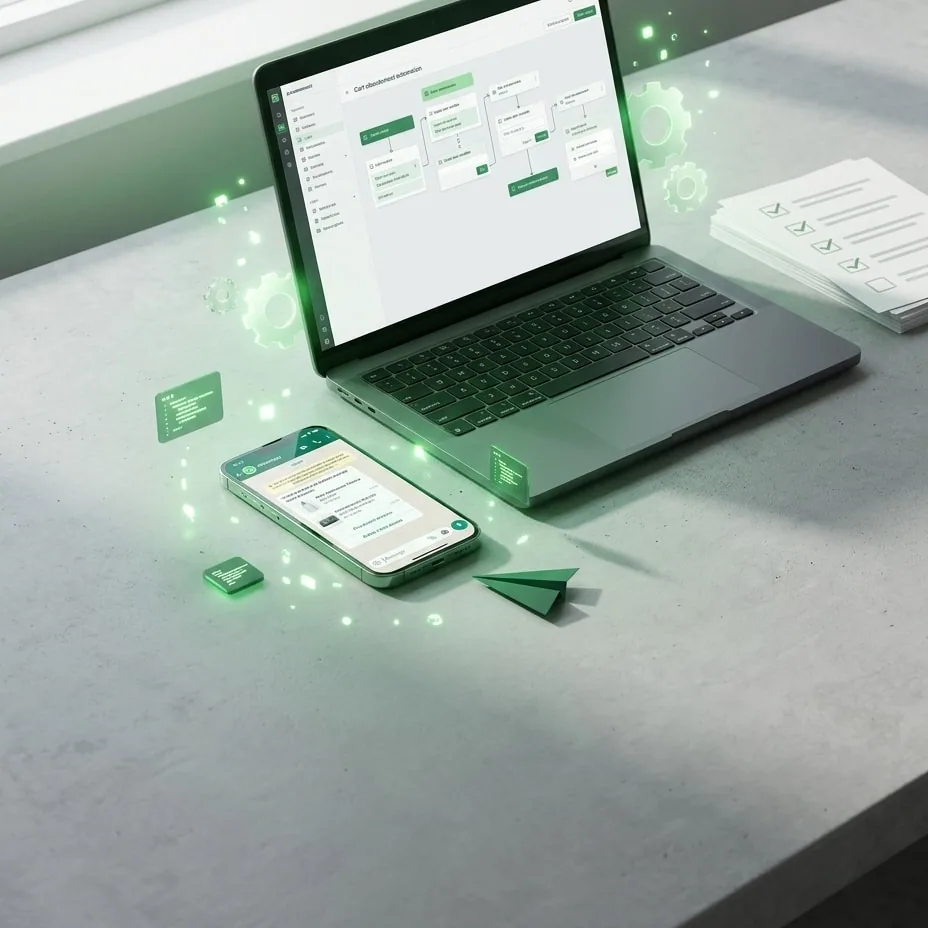
Building an automated recovery workflow requires integrating your e-commerce store with the Meta Cloud API. A production-ready pipeline operates across five structured steps:
- Event Detection: The e-commerce backend detects an incomplete checkout session after a defined inactivity threshold (typically 45 to 60 minutes after the last checkout interaction).
- Webhook Payload Dispatch: The store triggers an outbound webhook containing the checkout ID, customer name, cart item list, total amount, dynamic checkout URL, and the recipient's phone number formatted in international standard E.164.
- Consent Verification: The integration layer validates that the customer provided explicit opt-in during checkout, adhering to Meta’s Business Messaging Policy and regional data privacy standards.
- API Request Execution: The system sends an authenticated
POSTrequest to the official Meta Cloud API messages endpoint, referencing an approved template and inserting dynamic payload parameters. - Delivery Tracking and Status Webhooks: The platform listens for status callbacks (
sent,delivered,read,failed) and routes incoming customer replies directly to a shared support inbox.
For WordPress stores, connecting via WhatsApp for WooCommerce removes the need for custom middleware and allows direct event management from your dashboard. For cloud-hosted storefronts, utilizing WhatsApp for Shopify delivers streamlined synchronization with the native Shopify checkout API.
Constructing an Approved Recovery Message Template
Every proactive message sent to a user outside an active customer-initiated window must use a pre-approved message template. Under Meta's conversation guidelines, abandoned cart reminders fall under the Marketing template category, which governs per-conversation costs.
To understand pricing tiers and how session windows interact with your bill, consult our guide on WhatsApp API conversation pricing and the 24-hour window.
A high-converting cart recovery template contains four modular components:
- Header: A dynamic image variable displaying the primary abandoned product or the store logo.
- Body: Personalized copy addressing the shopper by name, referencing the item left behind, and offering conversational support (e.g., "Did you run into any issues completing your order?").
- Footer: Required compliance or opt-out instructions (e.g., "Reply STOP to unsubscribe").
- Buttons: A combination of a Quick Reply button (e.g., "Need help") and a dynamic URL button leading straight to the pre-filled checkout page.
Below is an example JSON payload structure for dispatching an approved recovery template through the official API:
{
  "messaging_product": "whatsapp",
  "recipient_type": "individual",
  "to": "15551234567",
  "type": "template",
  "template": {
    "name": "cart_recovery_reminder_v1",
    "language": {
      "code": "en_US"
    },
    "components": [
      {
        "type": "header",
        "parameters": [
          {
            "type": "image",
            "image": {
              "link": "https://example.com/images/product-123.jpg"
            }
          }
        ]
      },
      {
        "type": "body",
        "parameters": [
          {
            "type": "text",
            "text": "Alex"
          },
          {
            "type": "text",
            "text": "Wireless Headphones Pro"
          }
        ]
      },
      {
        "type": "button",
        "sub_type": "url",
        "index": "0",
        "parameters": [
          {
            "type": "text",
            "text": "cart_token_abc123"
          }
        ]
      }
    ]
  }
}
For full component syntax and valid parameters, see the official Meta Graph API Reference for WhatsApp Messages.
Handling Customer Inquiries: AI Chatbots and Human Handoff
A well-structured cart reminder encourages customer dialogue. When a shopper replies to the recovery notification, Meta opens a 24-hour customer service window. Within this active session, your business can exchange free-form text and media messages without requiring pre-approved templates or incurring separate marketing conversation fees.
To capitalize on this window, response times must be instantaneous. A resilient architecture distributes inbound messages across three tiers:
| Handling Tier | Processing Agent | Architectural Function |
|---|---|---|
| Tier 1: Instant Triage | AI Chatbot | Parses natural language to answer recurring questions regarding inventory, delivery times, or return policies within seconds. |
| Tier 2: Smart Routing | Automation Engine | Detects complex intent or requests for human assistance and transfers the chat to a unified team inbox. |
| Tier 3: Sales Closing | Human Agent | Inspects the order within the e-commerce dashboard, updates checkout details, and assists with payment friction. |
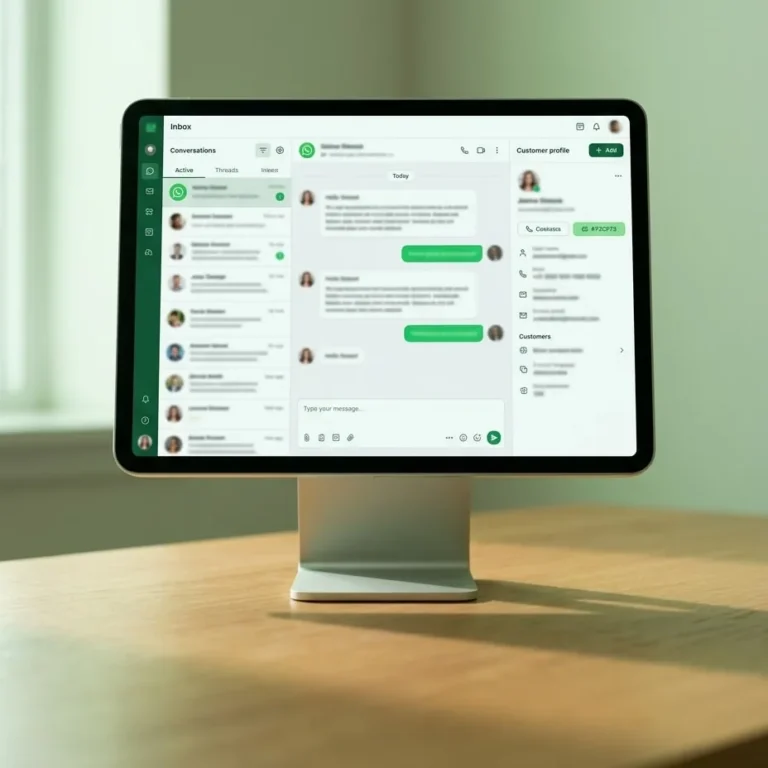
The WAGate platform provides a unified inbox featuring a Gemini-powered AI chatbot with built-in human handoff protocols. For custom multi-app workflows, you can also connect WhatsApp for Make or Zapier to route inbound inquiries to your preferred CRM.
Performance Monitoring, Delivery Statuses, and Rate Limits
Dispatching recovery messages without active monitoring can negatively impact your phone number's Quality Rating inside the Meta Business Manager. Production workflows must track three essential operational metrics:
- Status Webhook Lifecycle: Monitor webhook events across
sent,delivered,read, andfailed. A spike infailedstatuses usually points to invalid phone formats or landline numbers, which damages deliverability metrics. - Rate Limiting and Tier Quotas: New accounts on the Meta Cloud API begin with a standard tier of 1,000 business-initiated conversations per rolling 24-hour period. Firing unthrottled concurrent requests during high-traffic sales can cause
rate_limit_hitexceptions. Ensure your dispatch middleware implements automated queue management and smart retries. - Revenue Attribution: Tracking link clicks is insufficient for calculating return on ad spend. Configure direct purchase attribution for WhatsApp messages using targeted UTM parameters and checkout webhooks to measure recovered revenue per template variation.
To review platform policies regarding phone number health and spam prevention, consult the official Meta WhatsApp Business Messaging Policy.
Launching Cart Recovery for Your Store
Automating abandoned cart recovery through the WhatsApp Cloud API turns abandoned checkout sessions into predictable revenue while maintaining compliance and operational scale. WAGate provides the necessary infrastructure out of the box: official Meta Cloud API connectivity, granular status tracking, dynamic template management, and an integrated Gemini AI assistant with seamless human handoff.
Our flexible plans start at $19, $49, and $99 per month, with an optional AI chatbot add-on for $29 per month. Explore the platform and test your automation flows with our 7-day free trial—no credit card required.
Common questions
What is the ideal delay before sending a WhatsApp abandoned cart reminder?
The optimal window for sending an abandoned cart reminder is between 45 and 90 minutes after the user leaves your checkout page. Dispatching messages within 15 minutes can feel intrusive while shoppers are still comparing options, whereas waiting longer than a few hours significantly reduces purchase intent and mobile conversion rates.
Do I need explicit opt-in before sending a cart recovery message on WhatsApp?
Yes, Meta’s messaging policies strictly require explicit customer opt-in before sending any business-initiated notification. Your checkout form should feature clear terms or a dedicated checkbox stating that submitting a phone number permits transactional and order-related updates, accompanied by straightforward opt-out instructions inside the message.
What happens when a customer replies to an automated cart recovery message?
When a customer replies, Meta immediately activates a 24-hour customer service window. During this active session, your business can send non-templated text, images, and audio messages without paying additional marketing fees. Advanced platforms route these incoming replies to automated chatbots or human support agents inside a unified inbox.
Can sending abandoned cart messages cause my WhatsApp number to be banned?
Using the official Meta Cloud API shields your number from arbitrary bans, provided you send pre-approved templates and maintain explicit opt-in. However, if high numbers of recipients block or report your messages as spam, your Quality Rating will decline, leading Meta to temporarily restrict your daily outbound messaging tier.
Try it on your own number.
WhatsApp, Messenger, Instagram and the AI chatbot — 7-day free trial, no credit card.