Effective Meta Cloud API template management requires strict adherence to variable formatting, accurate classification across official use-case categories, and mandatory submission of explicit sample payloads. Syntax inconsistencies or content misclassifications trigger automated rejections during automated reviews. By establishing automated pre-validation workflows, engineering teams and online merchants eliminate delivery failures and ensure predictable WhatsApp message delivery in production environments.
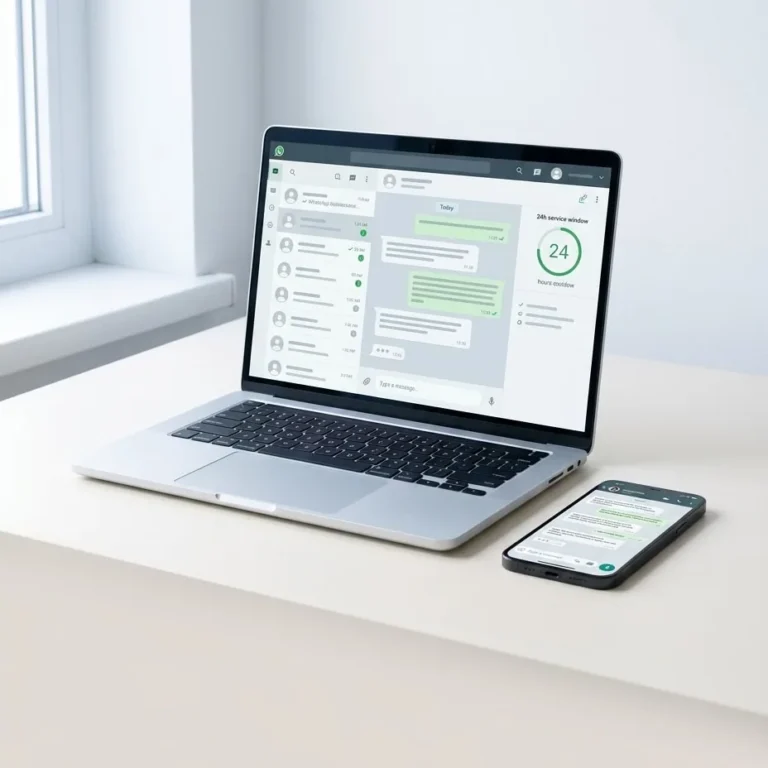
A message template is a pre-approved message structure consisting of text, dynamic variables, and interactive components that businesses must use to initiate outbound conversations outside how the WhatsApp 24-hour window works. Meta subjects every submitted template to automated machine-learning evaluations and manual compliance audits before granting production access.
Primary Causes of Meta Template Rejections
Meta reviews every new template submission and structural update against rigid messaging standards. Production rejections predominantly stem from three architectural friction points: parameter formatting syntax errors, intentional or accidental category mismatching, and content policy violations.
Variable Syntax Errors and Missing Samples
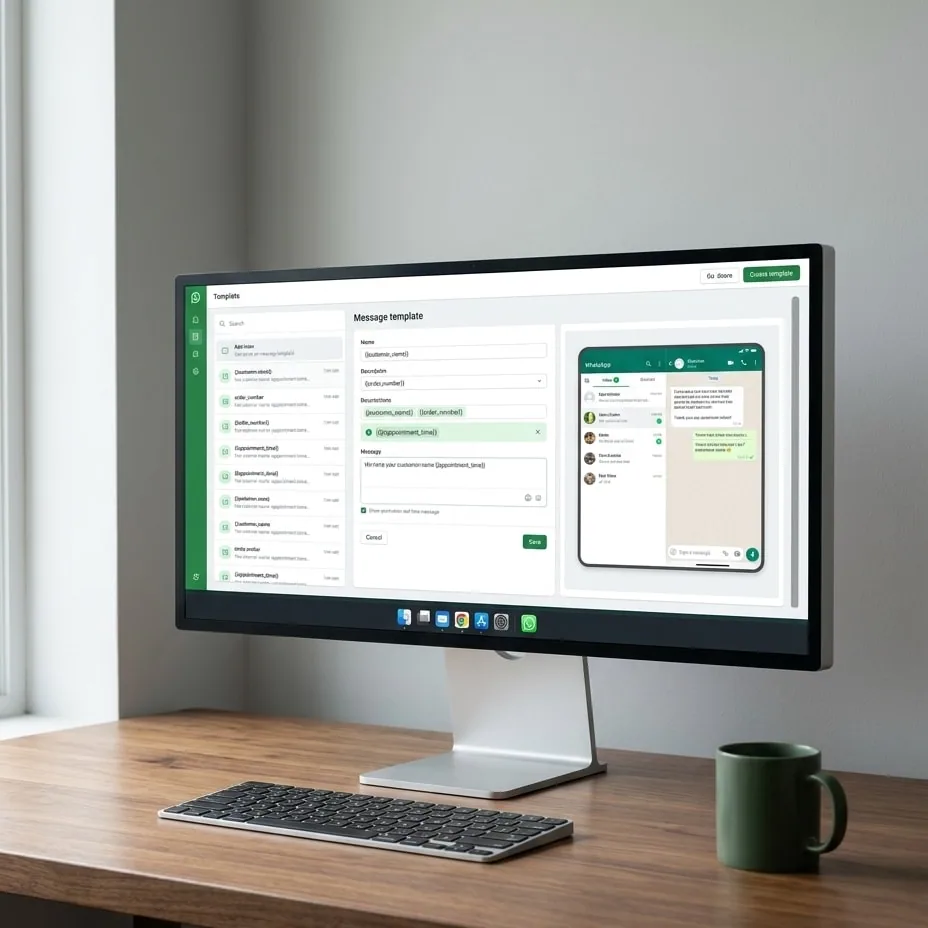
The templating parser enforces strictly sequential indexing for dynamic variables. Declaring placeholders out of order—such as writing {{1}} followed immediately by {{3}} without an intervening {{2}}—causes immediate technical validation failures prior to semantic review. Furthermore, Meta forbids placing variables at the exact beginning or end of message bodies without surrounding static text, and consecutive variables cannot appear side by side without interstitial strings (for example, {{1}}{{2}}).
Every variable must include an explicit sample value during creation via the API. Without sample payloads, Meta's automated models cannot deduce data types or context, resulting in instant rejection.
Category Misclassification
Meta strictly partitions template traffic into three functional categories:
- Utility: Critical operational notifications, including order confirmations, billing invoices, shipment tracking updates, and account verification receipts.
- Marketing: Promotional material, product announcements, feedback questionnaires, upsells, and abandoned cart alerts.
- Authentication: Single-use verification codes (OTP) facilitating user authentication and multi-factor login sequences.
Submitting promotional messaging under the Utility tier to capitalize on lower conversation pricing represents the single most common rejection trigger. A solitary promotional phrase embedded inside an operational delivery notification causes Meta to reclassify the template to Marketing or reject it entirely pursuant to the WhatsApp Business Policy.
Generic URL Shorteners and Vague Content
Templates incorporating third-party URL shortening services (such as Bitly or TinyURL) are systematically rejected to prevent phishing and spoofed redirection attacks. Meta mandates fully qualified, transparent domains. When utilizing dynamic URLs, variables may only alter the endpoint path and cannot constitute the root domain itself.
Anatomy of a Compliant Template with Dynamic Variables
Every template consists of up to four core functional components configurable through the Graph API interface:
| Component | Technical Function | Structural Constraints |
|---|---|---|
| Header | Top banner element | Optional. Supports plain text (60 characters maximum) or media attachments (images, PDFs, video). |
| Body | Core message payload | Mandatory. Up to 1,024 characters. Supports dynamic positional parameters and basic Markdown styling. |
| Footer | Disclaimer or closing text | Optional. Static text only (60 characters maximum). Prohibits variables, formatting, and emojis. |
| Buttons | Actionable interactive targets | Up to 10 buttons: Quick Replies, Phone Number callouts, or Dynamic URL links. |
According to the official Meta Message Templates Documentation, creating a template requires transmitting a defined JSON payload specifying the language code, targeted category, and component tree:
{
  "name": "order_shipping_update_v1",
  "language": "en_US",
  "category": "UTILITY",
  "components": [
    {
      "type": "BODY",
      "text": "Hello {{1}}, your order {{2}} has shipped via {{3}}.",
      "example": {
        "body_text": [
          ["Alex", "10892", "Express Courier"]
        ]
      }
    },
    {
      "type": "BUTTONS",
      "buttons": [
        {
          "type": "URL",
          "text": "Track Shipment",
          "url": "https://example.com/track/{{1}}",
          "example": ["abc123track"]
        }
      ]
    }
  ]
}
The declaration of the example object is mandatory. Omitting these explicit variable models triggers an unrecoverable 400 Bad Request schema validation failure on Meta's ingest endpoints.
Streamlining Meta Cloud API Template Management with WAGate
Direct integration with Meta's raw endpoints introduces operational overhead when managing template updates across multiple production accounts. The template management framework inside WAGate resolves this complexity by offering a pre-validated abstraction layer.
Directly connecting an e-commerce backend through the WhatsApp Cloud API implementation within WAGate enables bi-directional status synchronization. When submitting new message blueprints, client-side and server-side linters catch structural discrepancies prior to dispatching payloads to Meta's endpoints.
Validating Variables Prior to Meta Submission
The internal validation engine programmatically verifies that:
- All sequential variable indices increment sequentially without gaps.
- Matching sample parameters exist for every designated dynamic variable.
- URL component roots point to verified corporate domains rather than masked shorteners.
- Raw message bodies contain no hidden formatting tokens that corrupt character sets.
For stores operating on WhatsApp for WooCommerce, dynamic order attributes—such as customer billing names, line items, totals, and tracking codes—map directly to pre-approved template arguments without requiring custom formatting middleware or webhook transformation pipelines.
Message Template Lifecycle and Status Transitions
Once transmitted, every template traverses an asynchronous validation lifecycle. Handling status changes via webhooks prevents outbound attempts using invalidated components:
- PENDING: The payload has been received by Meta's validation queues and awaits automated review.
- APPROVED: The template has cleared compliance checks and can be dispatched immediately to recipients.
- REJECTED: Meta rejected the template, returning discrete error codes detailing the syntax or policy mismatch.
- PAUSED: Automated systems temporarily suspended the template due to elevated negative user feedback or declining quality ratings.
- DISABLED: The template has been permanently locked following sustained low quality scores and cannot be reactivated.
When a template enters a PAUSED state, runtime API dispatches fail. WAGate monitors lifecycle webhooks in real time to catch suspensions instantly, allowing outbound routing engines to divert mission-critical notifications to designated secondary templates.
Engineering teams handling multiple environments can synchronize approved component libraries between accounts, preserving variable integrity across international configurations.
To ensure transactional notifications remain reliable, resilient, and fully compliant with Meta's technical standards, audit your current delivery pipeline. Connect with the engineering team at WAGate to evaluate your messaging architecture and automate your template management workflow.
Common questions
How long does Meta take to approve a new message template?
Most message templates clear Meta's automated evaluation within minutes. When a template contains nuanced language, dynamic URL buttons, or borderline marketing terminology, Meta routes the submission to manual human review, which can extend the approval window up to 24 business hours.
What is the primary difference between Utility and Marketing templates?
Utility templates are restricted to purely operational, post-transactional notifications like shipping updates, account alerts, and billing receipts. Marketing templates encompass promotional content, sales announcements, product suggestions, and cart recovery prompts, and they carry a higher conversational cost per delivery.
Why does an approved template suddenly switch to PAUSED status?
Meta monitors real-time user feedback on all active templates. If a significant percentage of recipients mark your messages as spam, block the sender phone number, or ignore the communication, the template's Quality Rating drops into the red tier, prompting Meta to pause sending.
Can dynamic variables be used inside URL buttons?
Yes, Meta supports dynamic variables within URL buttons, provided the variable resides solely at the end of the URL path. The base domain and path structure must remain completely static and clearly declared during the template registration request.
Try it on your own number.
WhatsApp, Messenger, Instagram and the AI chatbot — 7-day free trial, no credit card.